FEATURE GUIDE 02
Custom Alarm Sounds & Import
What it does
Smastar can import your own audio files as alarm sounds — a favorite ambient loop, a recording of your own voice, a sound effect from a free-audio site. An imported sound can become the default for all alarms, or be assigned to just one alarm.
How the sound is chosen (two levels)
- Global default: the sound picked in Settings › Alarm sound. Every alarm that doesn't specify its own sound uses this
- Per-alarm override: in each alarm's edit screen, choose between "Follow settings (default)", the built-in tone, or any imported sound
Quiet tones on weekdays, your favorite intro on weekends — mix as you like.
Importing an audio file
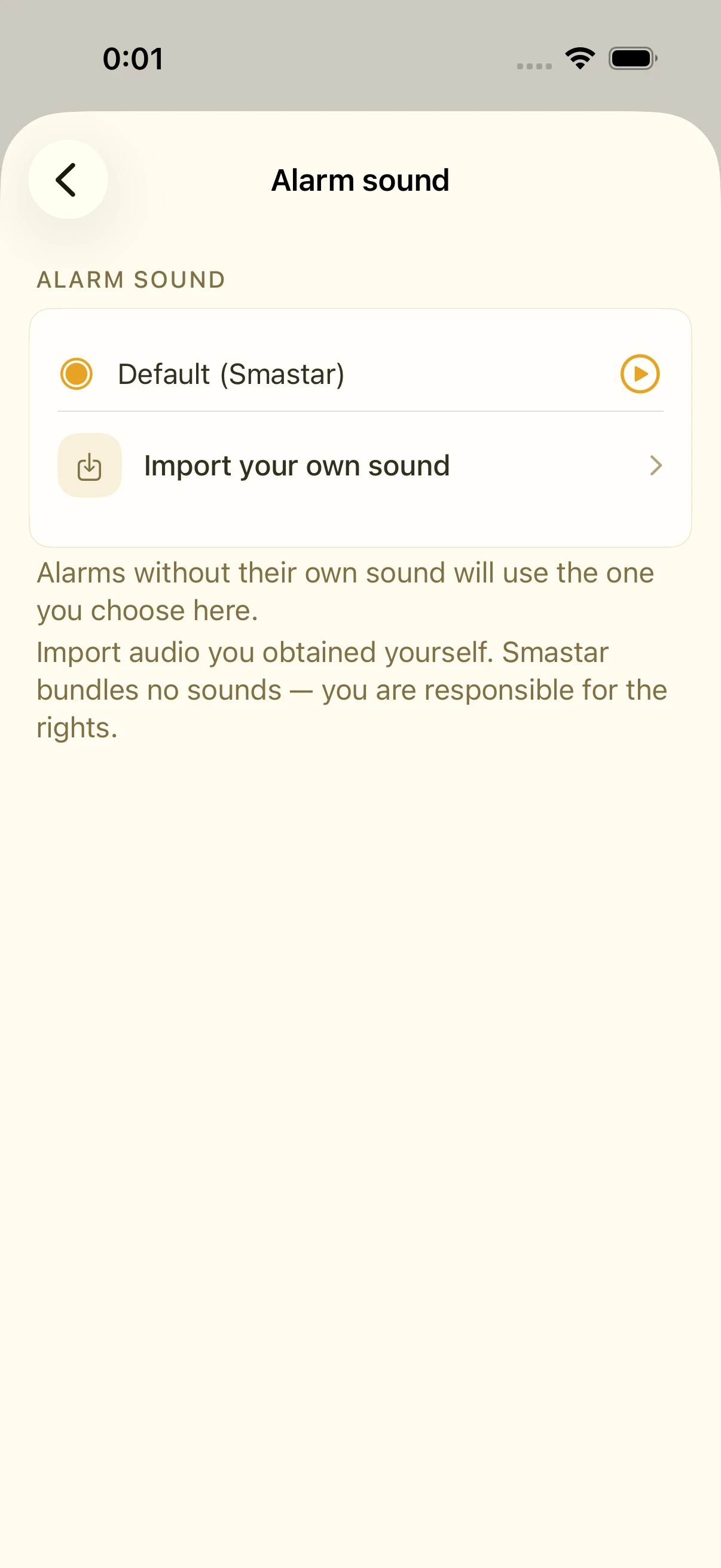
- Open Settings › Alarm sound
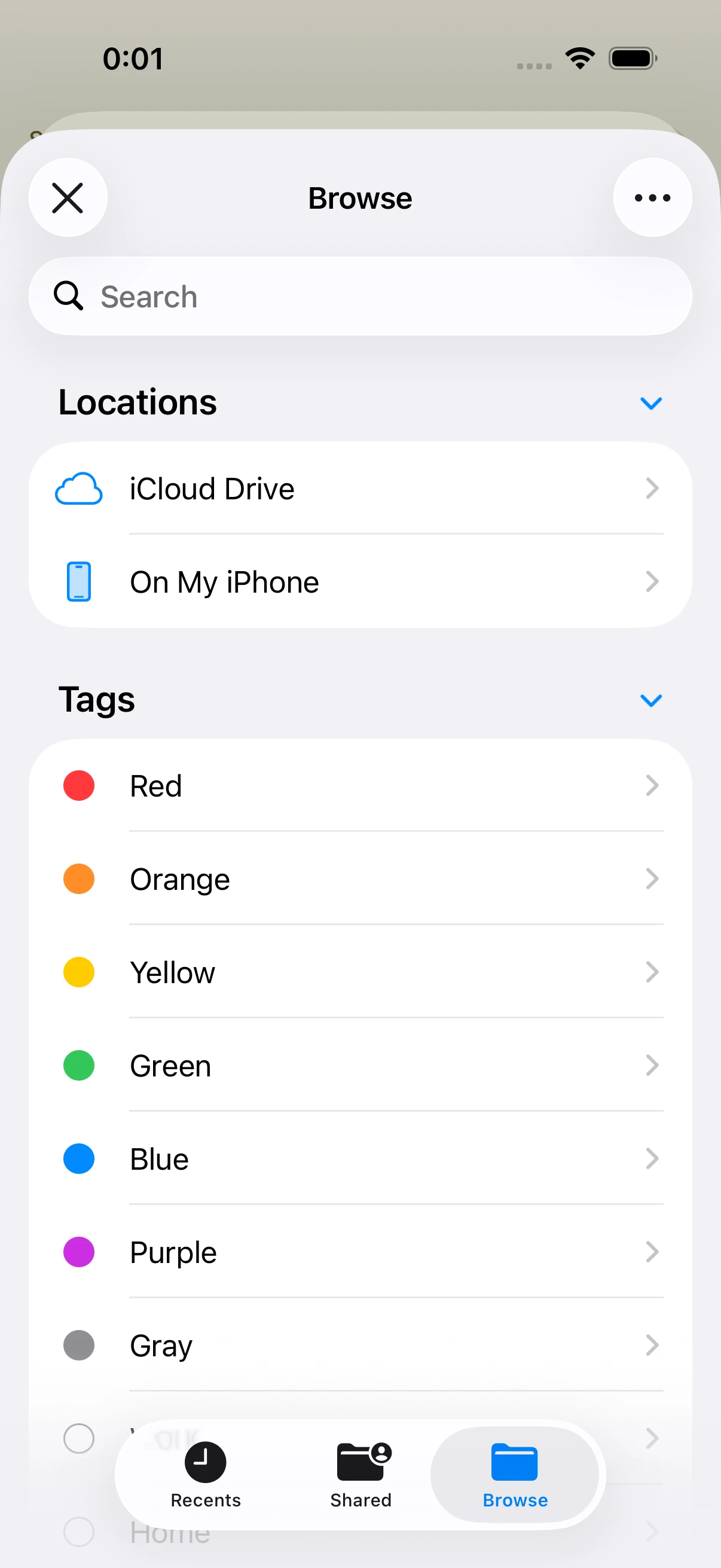
- Tap Import — the Files app opens
- Pick your audio file
- It appears in the list; tap to preview, then select
Supported formats: mp3 / m4a / aac / wav / caf / aiff / aif
Imported files are copied into the app. You can delete the original afterwards.
About length (worth knowing)
iOS alarm sounds have a cap of roughly 30 seconds, and Smastar must fit both the tone and the spoken time inside it. So:
- If your file is long, only the first several seconds are used (trimmed from the start)
- The tone length is adjustable from 0 to 10 seconds — globally and per alarm
- After the tone, a brief pause (0.25 s) leads into the spoken time
So "start from the chorus" isn't possible — but for Smastar's morning, where a sound opens and a voice tells you the time, the first few seconds are what matter.
Finding free audio
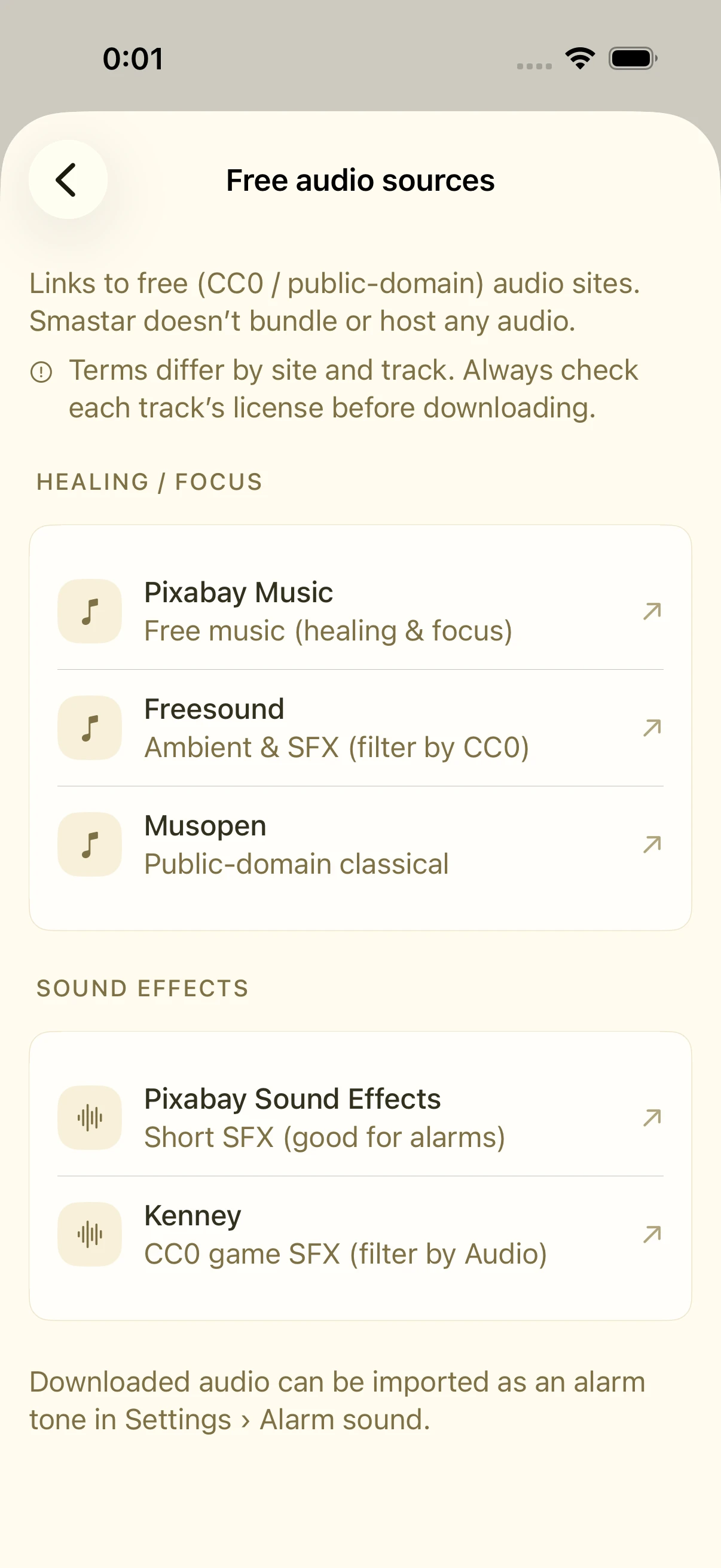
Smastar doesn't bundle or distribute third-party audio. Instead, the app includes a curated list of free, commercial-use-permitted audio sites (Settings › Free audio sources):
- Music & ambience (also great for Sleep / Focus Music): Pixabay Music, Freesound, Musopen
- Sound effects (short sounds — ideal for alarms): Pixabay Sound Effects, Kenney
Three steps:
- Download a sound from the site
- Save it to the Files app (Safari downloads land there automatically)
- Import it via Settings › Alarm sound › Import
Please check each sound's license (commercial use, modification) when downloading.
FAQ
Can I use Apple Music tracks?
No. Streaming tracks are DRM-protected and can't be imported. Only DRM-free audio files work.
How do I delete an imported sound?
Remove it from the list in Settings › Alarm sound. Any alarm using it falls back to the default tone automatically.
I want vibration only, no sound
Choose "silent" as the sound. Vibration still fires.
Related settings
- Settings › Alarm sound: default selection, import, delete, tone length
- Settings › Free audio sources: links to free audio sites
- Each alarm's edit screen: per-alarm sound and tone length